
Inspection System Service
The following configurations relating to the Inspection System Service can be made within Client Manager:
- Allow the client to access the ADSS Inspection System Service.
- Configure a default Inspection System Profile for this client.
Once a client is registered, permissions to access the Inspection System Service can be granted by editing this client. On the edit screen, clicking on the Inspection System Service link at the top of the page shows the following screen:
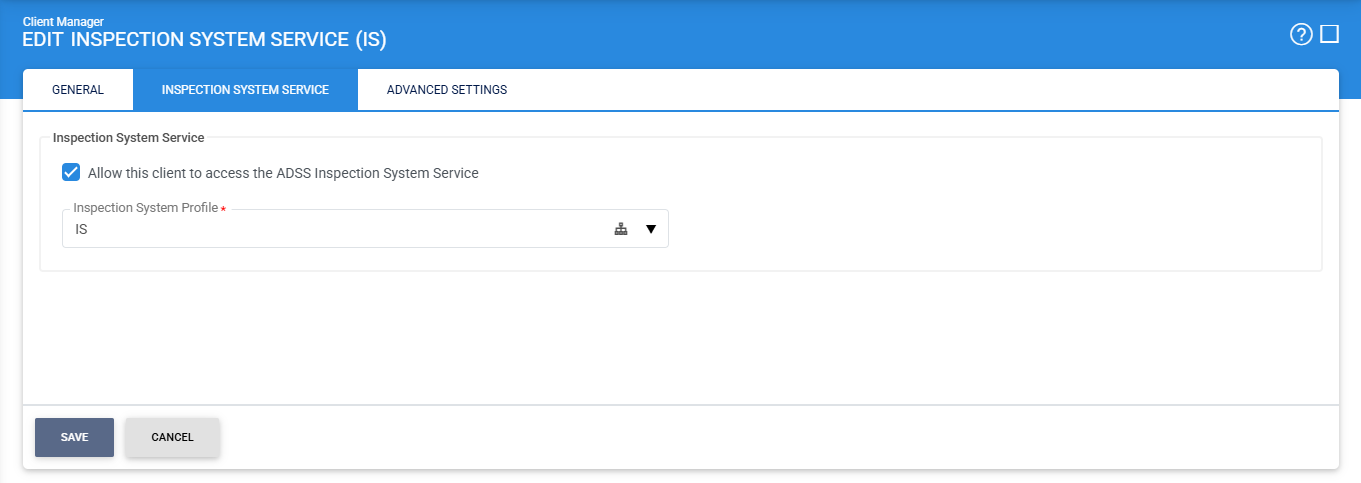
Select the Allow this client to access the ADSS Inspection System Service check box. This ensures that the client can make requests to the Inspection System Service.
Click the Save button when the list is updated to store the changes.
|
|
Whenever configurations are updated on this page, remember to restart the Inspection System Service and have the changes take effect. |

See also
Certification Service
Verification Service