
NPKD Service
After a client application has been registered in the Client Manager, it must be granted permission to access the ADSS NPKD Service before it can submit requests.
The only NPKD-specific configuration available within the Client Manager is the ability to authorize a client to access the NPKD Service.
To configure NPKD Service permissions:
- Open the required client in the Client Manager.
- Edit the client configuration.
- Click the NPKD Service link at the top of the page.
The following screen is displayed:
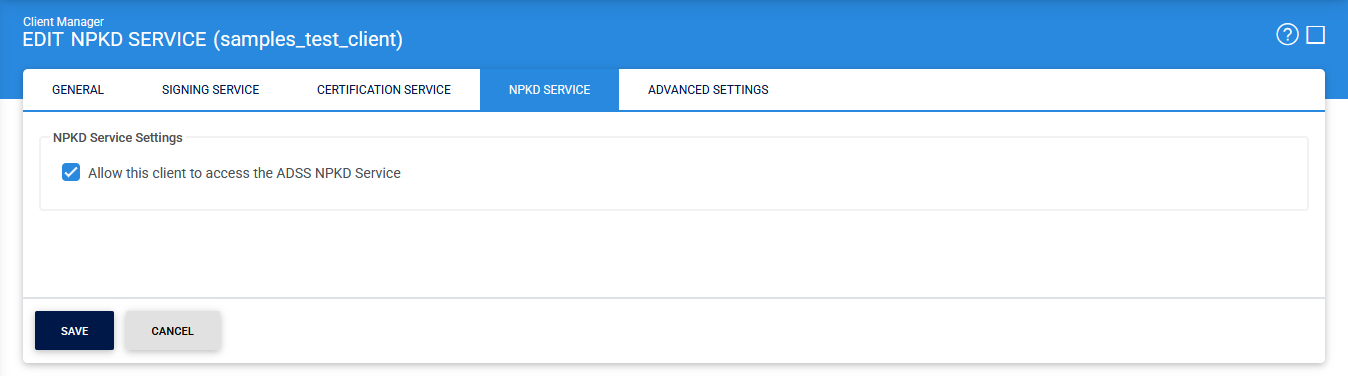
Select the Allow this client to access the ADSS NPKD Service checkbox. It enables the client application to access and submit requests to the ADSS NPKD Service. This option must be selected before the client can communicate with the service.
|
|
Note: All communication with the ADSS NPKD Service is performed using TLS Client Authentication. Therefore, the client certificate used by the application must be registered and configured in the Client Manager before a secure connection can be established with the NPKD Service. |

If the client application also requires access to other ADSS Server services, such as the Signing Service for signing master lists, navigate to the corresponding service configuration pages and grant the necessary permissions.
After completing the configuration, click Save to apply and store the changes.
See also
Certification Service
Verification Service