
Service Report
The Service Report provides a summary of LTANS Service transaction activity for a specified date range. It displays the number of successful and failed transactions processed by the service.
To open the report, click the Service Report tab at the top of the page.
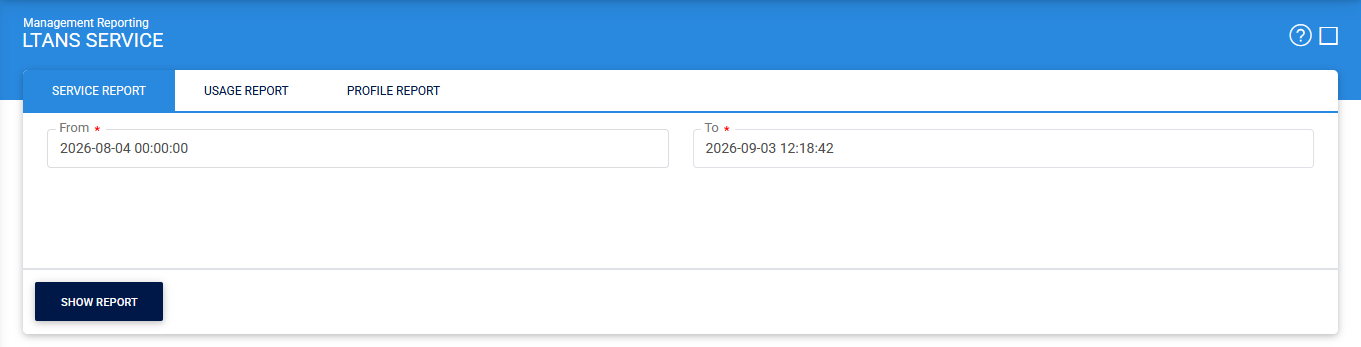
By default, the report displays transaction data for the last 24 hours.
The following table describes the available options:
|
Items |
Description |
|
From |
Specifies the start date of the reporting period. |
|
To |
Specifies the end date of the reporting period. |
|
Show Report |
Generates the Service Report based on the selected From and To dates. |
After selecting the required date range, click Show Report to generate the report.
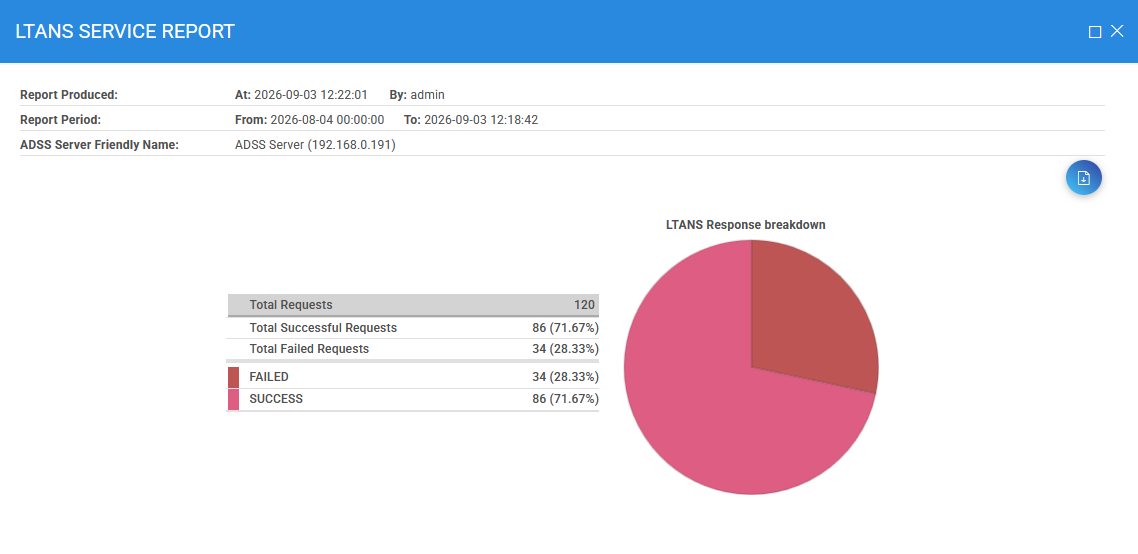
To save the generated report, click the Download icon. The report is exported in PDF format.
See also