
Foreign CVCAs
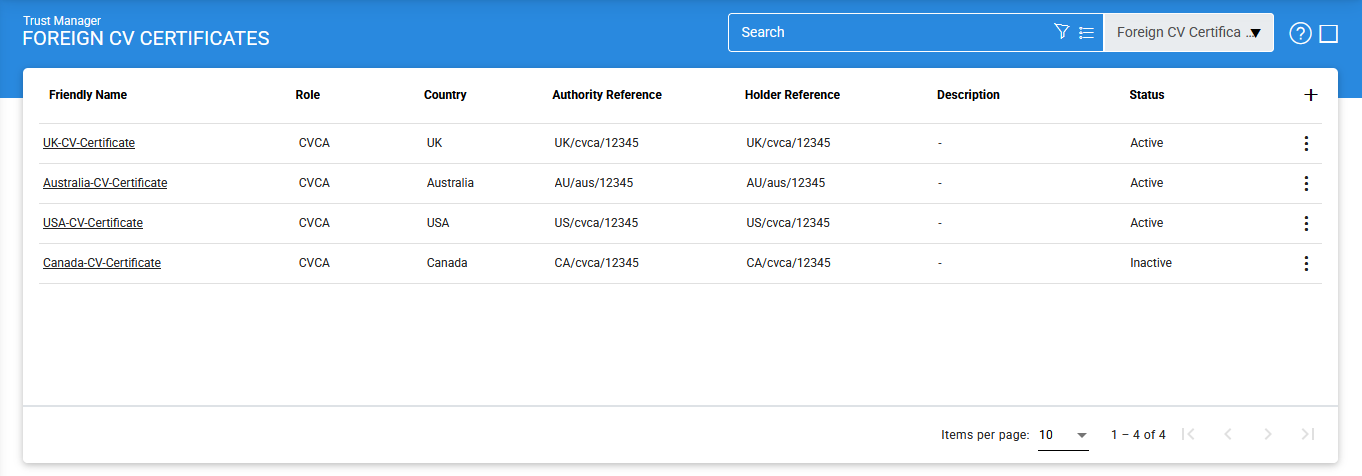
The Foreign CVCA tab lists all the foreign CVCAs registered as Trust Anchors in ADSS Server. These CVCAs will be trusted by a domestic CVCA and DVCA for various purposes.
Note that this is a licensed module and will only be displayed if you have the ePassport license for a CVCA or DVCA .
Navigate to Trust Manager 🡪 Foreign CV Certificates, it displays the following screen:
To add a new Foreign CV/DV certificate, click on the '+' icon, it displays the following screen:
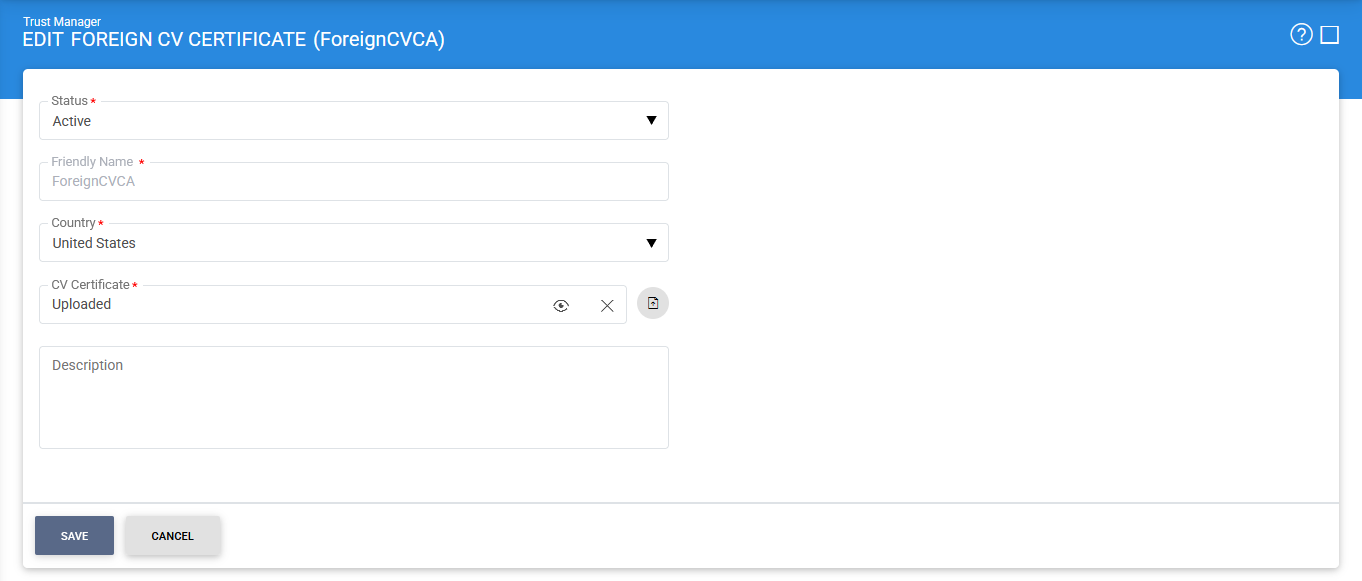
The items in the above screen are described below:
|
Items |
Description |
|
Foreign CVCA Settings: |
Defines the following: |
|
Status |
A CVCA may be marked either Active or Inactive. |
|
Country |
The country of the foreign CVCA. |
|
CVCA Certificate |
The fields allows the operator to import the foreign CVCA certificate from the file system. Note: The View Certificate button will only be enabled once the required CVCA certificate is imported. Otherwise, it's disabled. |
|
Description |
This can be used to describe the CVCA in more detail (e.g. in which circumstances will this CVCA will be used). This is for information purposes only. |
|
|
Ensure all the configuration are saved by clicking on 'Save' button. |

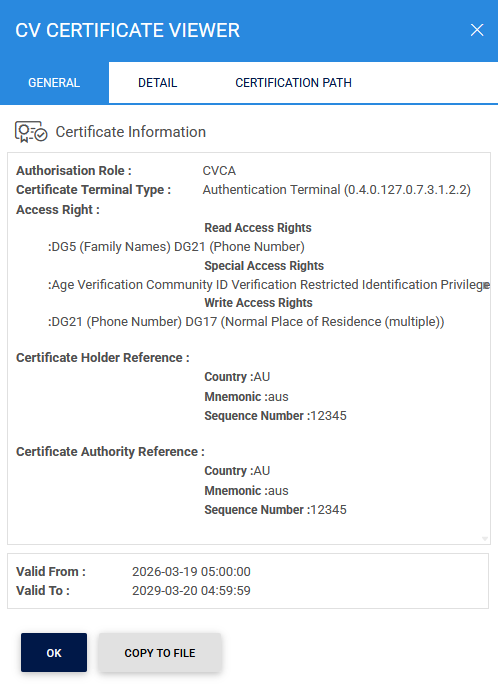
The configured CVCA certificate can be viewed by clicking on the eye icon inside the CV Certificate field:
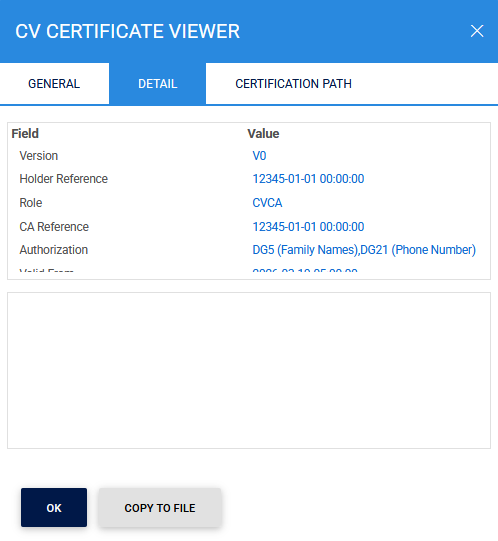
Clicking on the Detail tab displays the following screen:
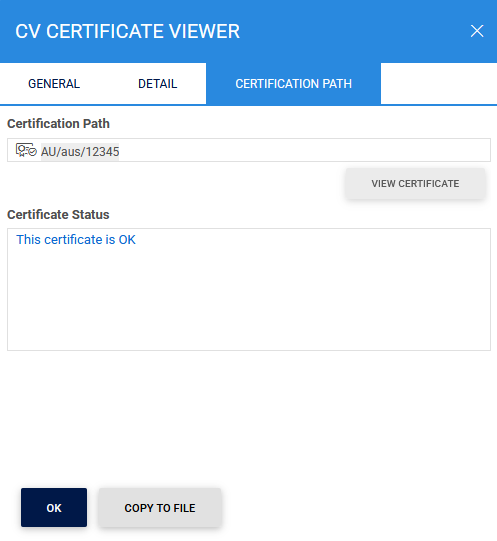
Clicking on the Certification Path tab displays the following screen:
Clicking on Advance Search icon on the main page displays the following screen:
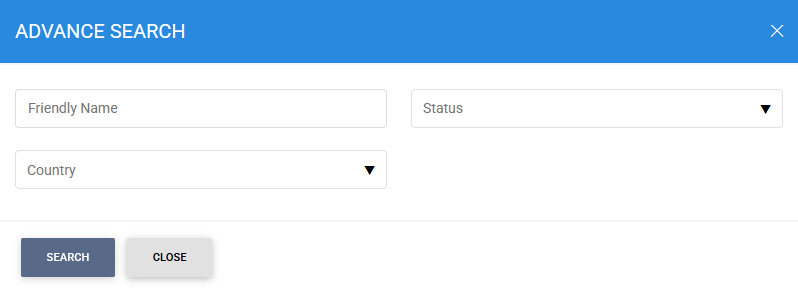
The required Foreign CVCA can be searched based on Name, Status or Country.
See also