
Domestic CVCAs
The Domestic CVCA tab lists all the domestic CVCAs registered as Trust Anchors in ADSS Server. These CVCAs are used by DVCA instances while creating DV certificates to communicate with domestic CVCA.
Note that this is a licensed module and will only be displayed if you have the ePassport license for a DVCA.
Navigate to Trust Manager 🡪 Domestic CV Certificates, it displays the following screen:
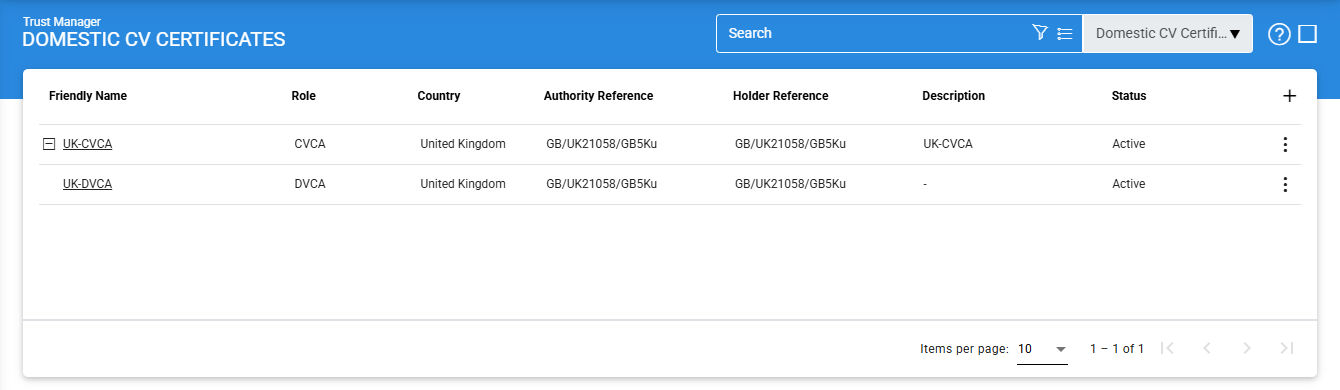
To add a new Domestic CV/DV certificate, click on the '+' icon, it displays the following screen:
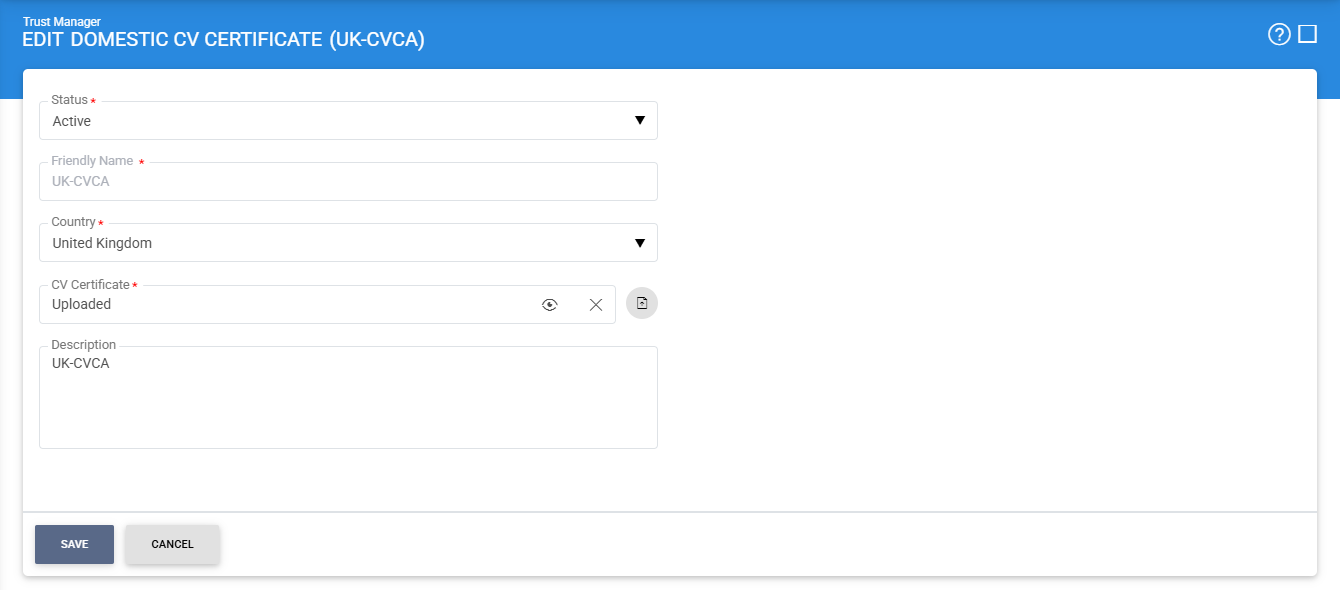
The items in the above screen are described below:
|
Items |
Description |
|
Domestic CVCA Settings: |
Defines the following: |
|
Status |
A CVCA may be marked either Active or Inactive. |
|
Country |
This is the country of the domestic CVCA. |
|
CVCA Certificate |
The fields allows the operator to import the required CVCA certificate from the file system. Note: The View Certificate button will only be enabled once the required CVCA certificate is imported, otherwise, it's disabled. |
|
Description |
This can be used to describe the CVCA in more detail (e.g. in which circumstances will this CVCA will be used). This is for information purposes only. |
|
|
Ensure all the configuration are saved by clicking on 'Save' button. |

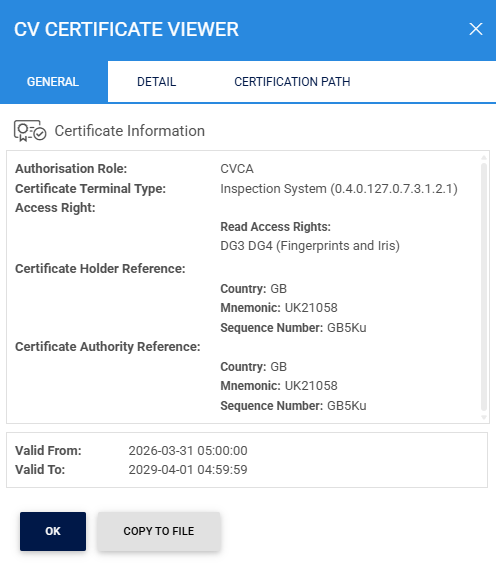
The configured CVCA certificate can be viewed by clicking on the eye icon inside the CV Certificate field:
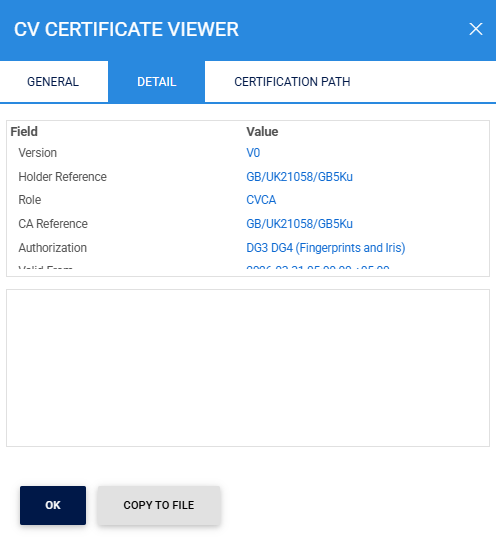
Clicking on the Detail tab displays the following screen:
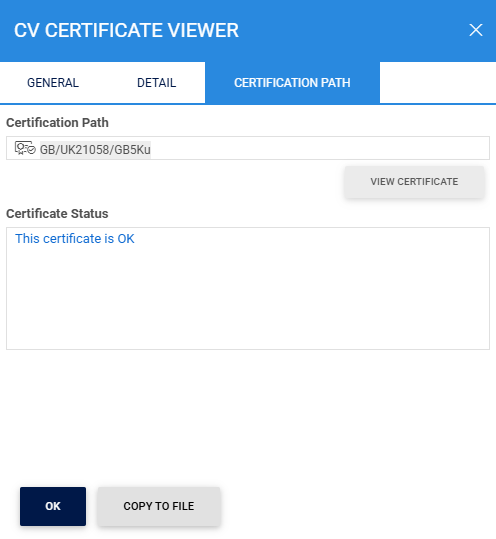
Clicking on the Certification Path tab displays the following screen:
Clicking on Advance Search icon on the main page displays the following screen:
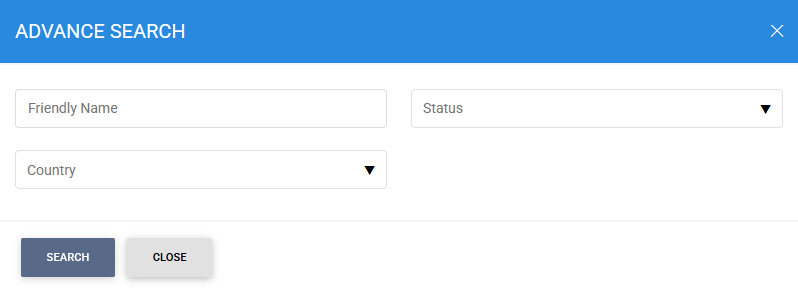
The required Domestic CVCA can be searched based on Name, Status or Country.
See also