
Service Report
By selecting the Service Report link from the top of the page, the following screen will be shown. By default it shows the transaction details for the last 24 hours:
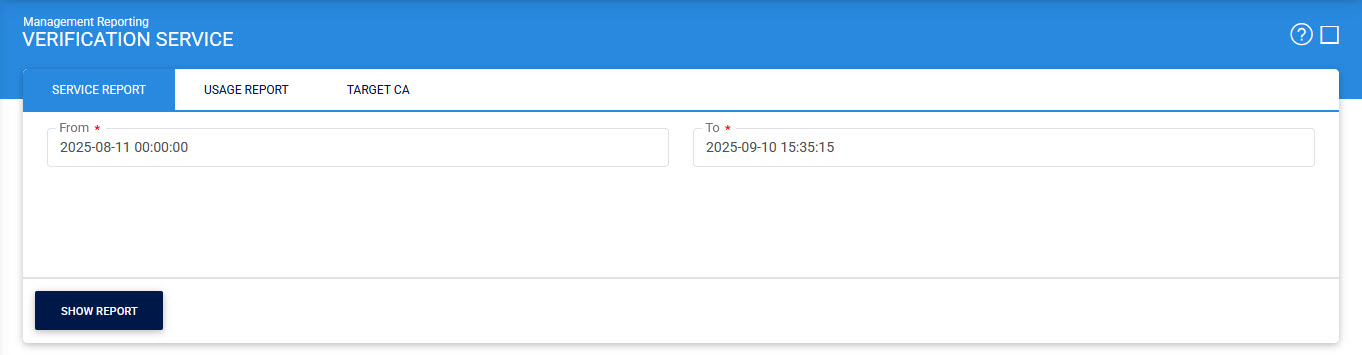
Select the date range and click on the Show Report button, it will display the following screen:
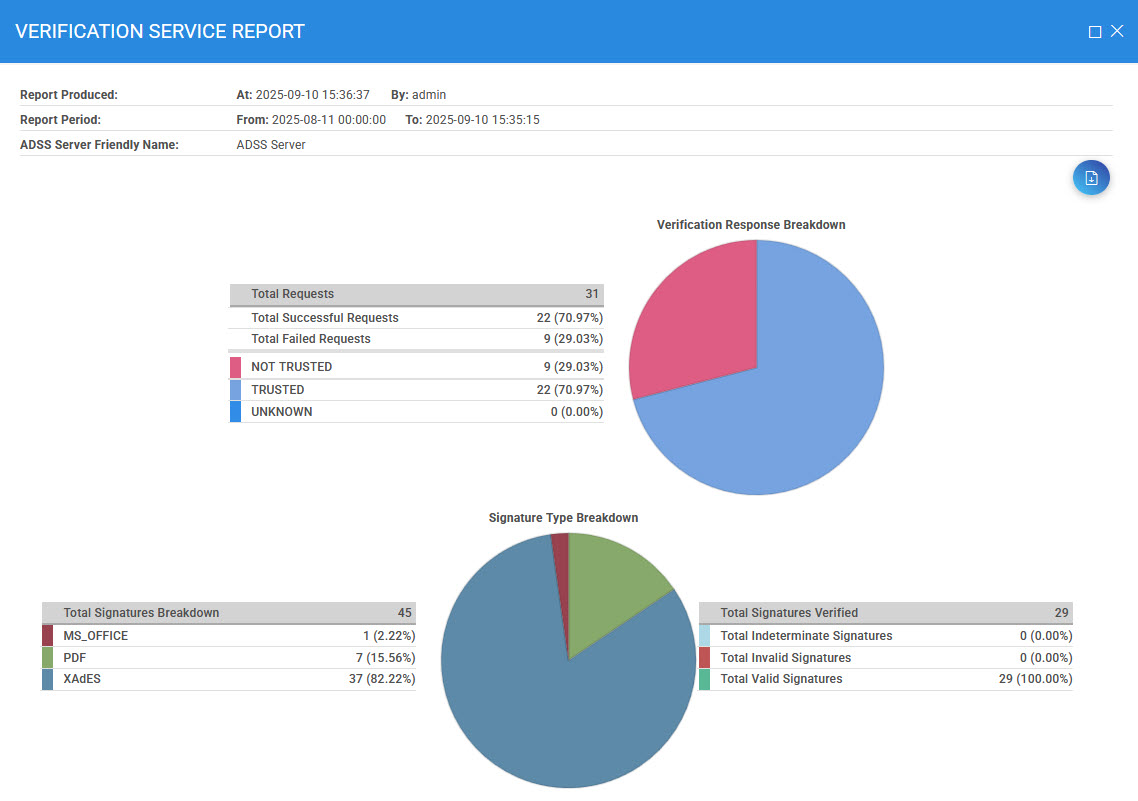
The report can also be exported to the PDF file by clicking on the Export as PDF icon.
See also