Power BI
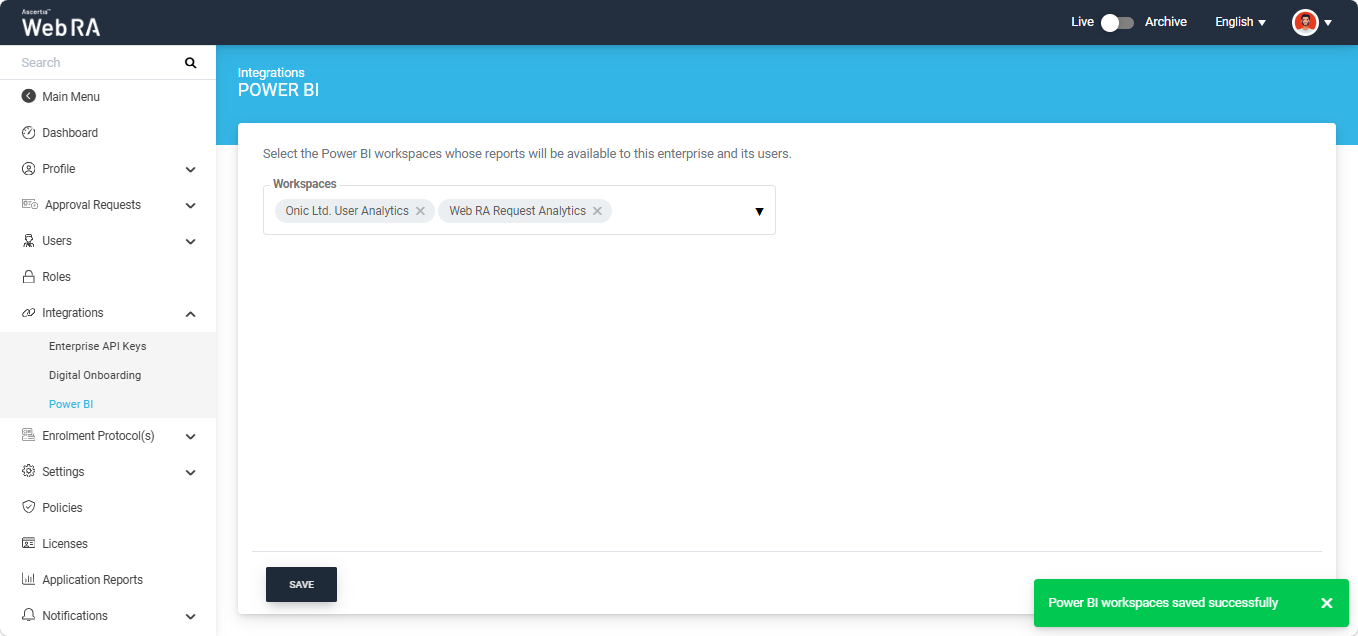
This section allows the Enterprise Operator to select the Power BI workspaces whose associated reports will be displayed in the Application Reports module of the Enterprise Dashboard and made available to Enterprise users.
|
|
Note:
|

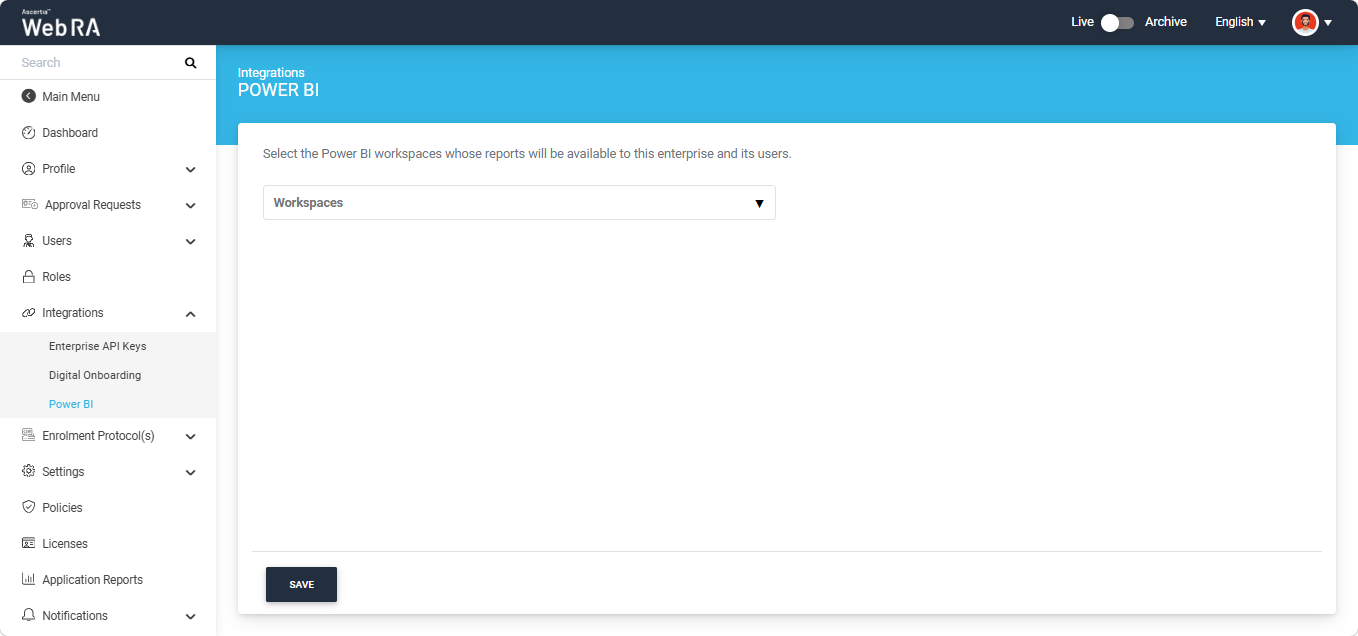
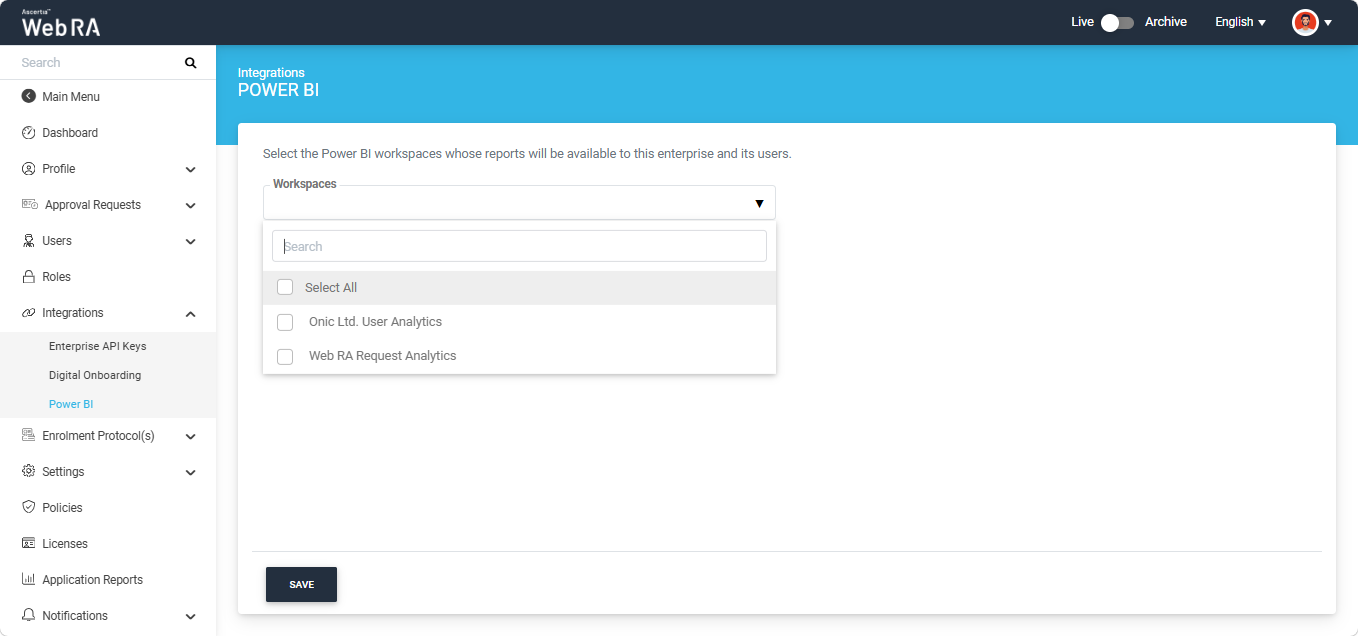
To select the required workspaces, click the Workspaces dropdown list. The system displays all available workspaces.
Select the required workspaces, or select Select All to make the reports from all available workspaces accessible to Enterprise users.
The selected Web RA workspaces will appear in the dropdown field.
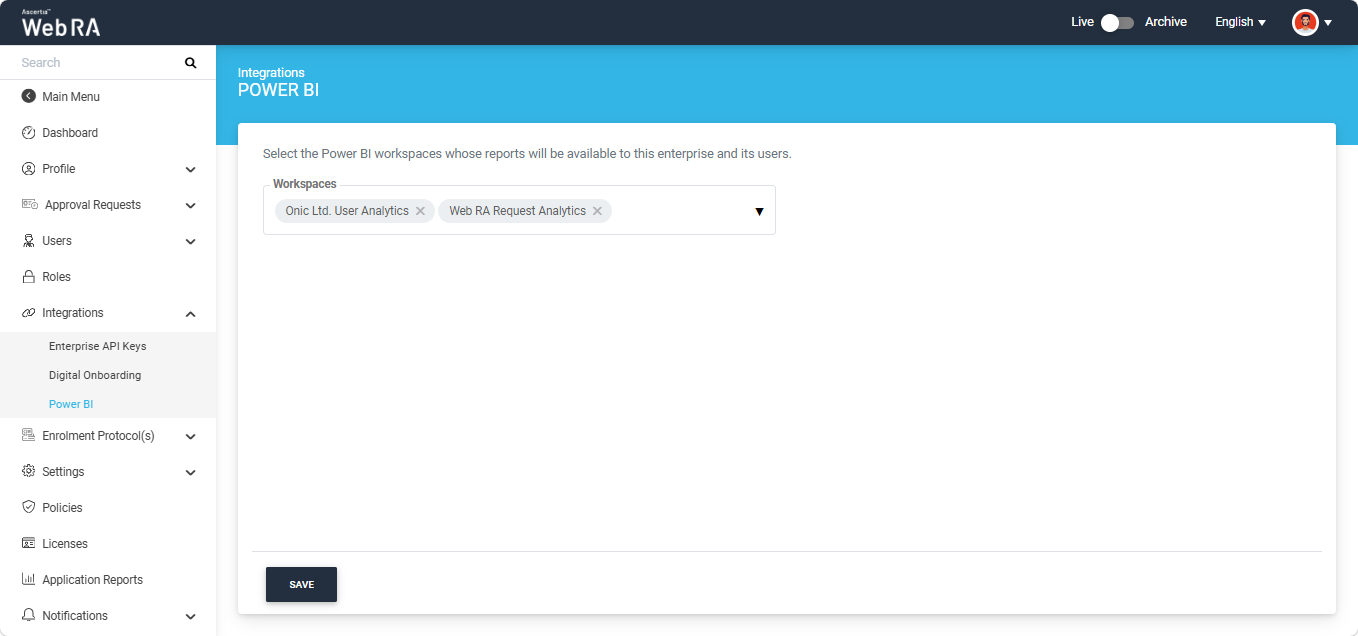
After selecting the workspaces, click the 'Save' button to implement the changes in the Web RA system.
The system displays the "Power BI workspaces saved Successfully' success alert on the screen.