Application Reports
Application Reports
The Application Reports module in the Enterprise displays the Power BI workspaces and their associated reports selected under the Integrations > Power BI section for that Enterprise. These workspaces and reports are made accessible to that particular Enterprise and its users.
|
|
Note:
|

Expand ‘Application Reports’ module from the left-tree menu in the Enterprise.
To access the reports in a workspace, click the workspace name dropdown. The system expands the workspace to display all its associated reports.
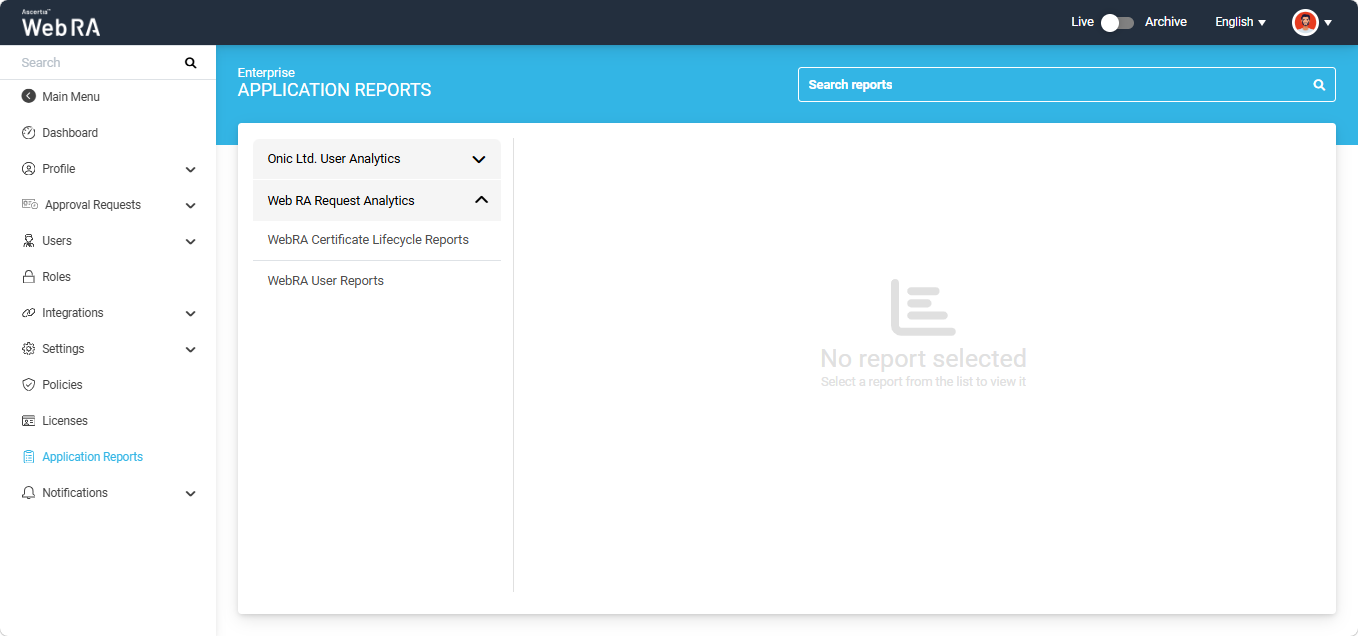
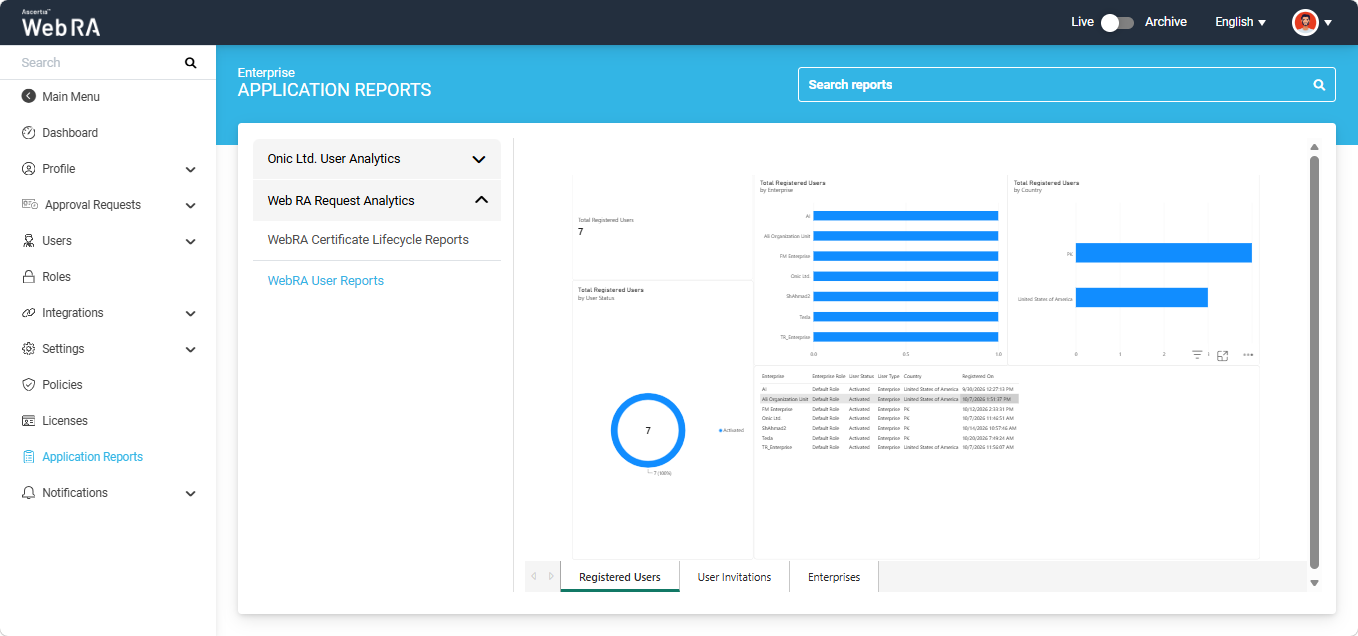
Select the report you want to view. The Power BI report will then be displayed on the right-hand side of the window.