
Usage Report
This type of report is useful for reviewing which clients are making request to your service and who the frequent clients are. Alternatively it can also allow you to check which target certificates are being validated the most:
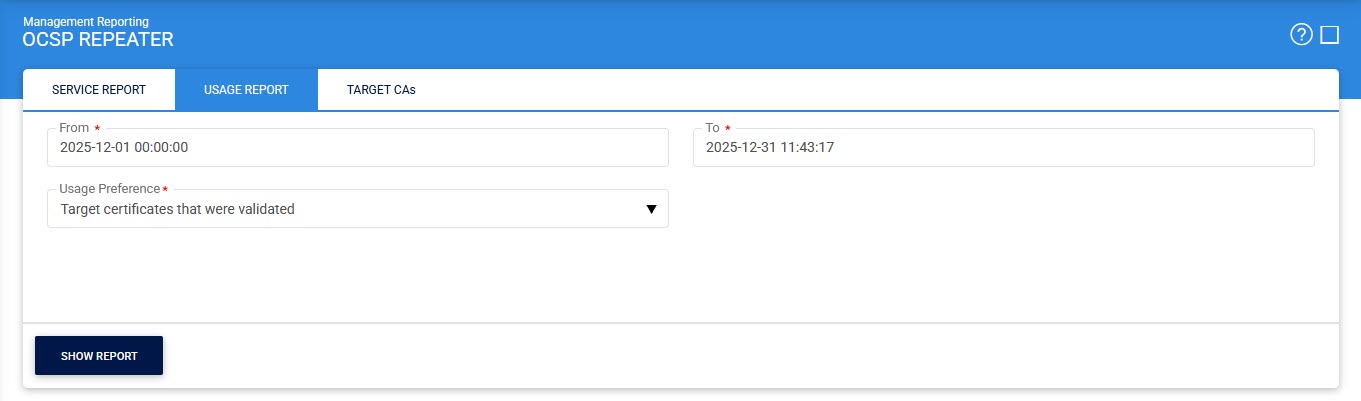
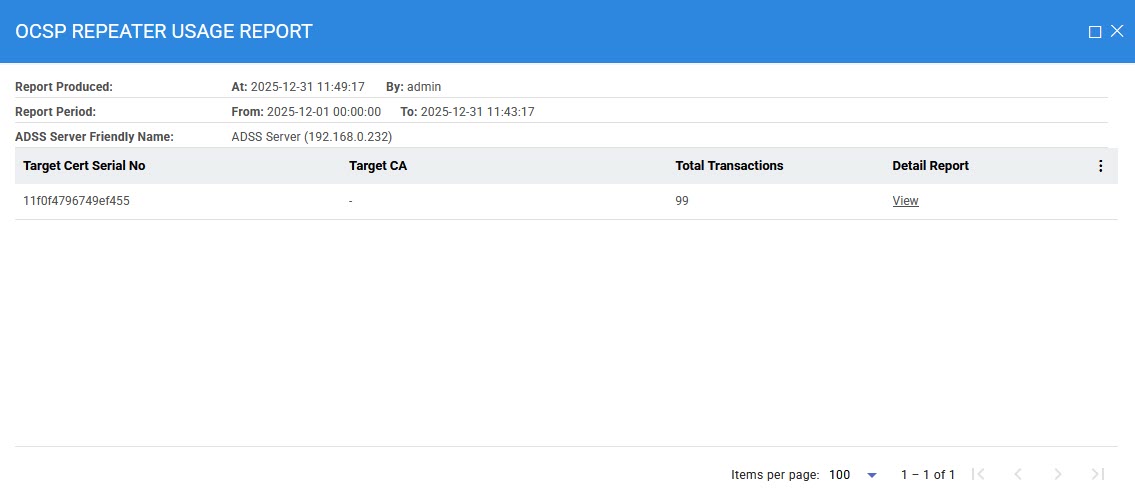
Selecting 'Target certificates that were validated' in the Usage Preference drop-down and clicking on the Show Report button displays the following screen:
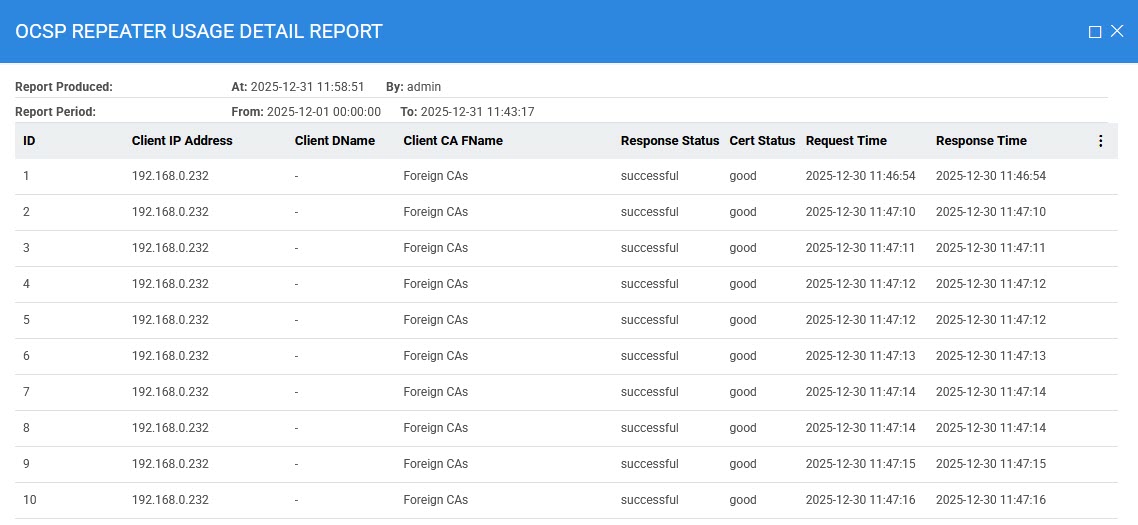
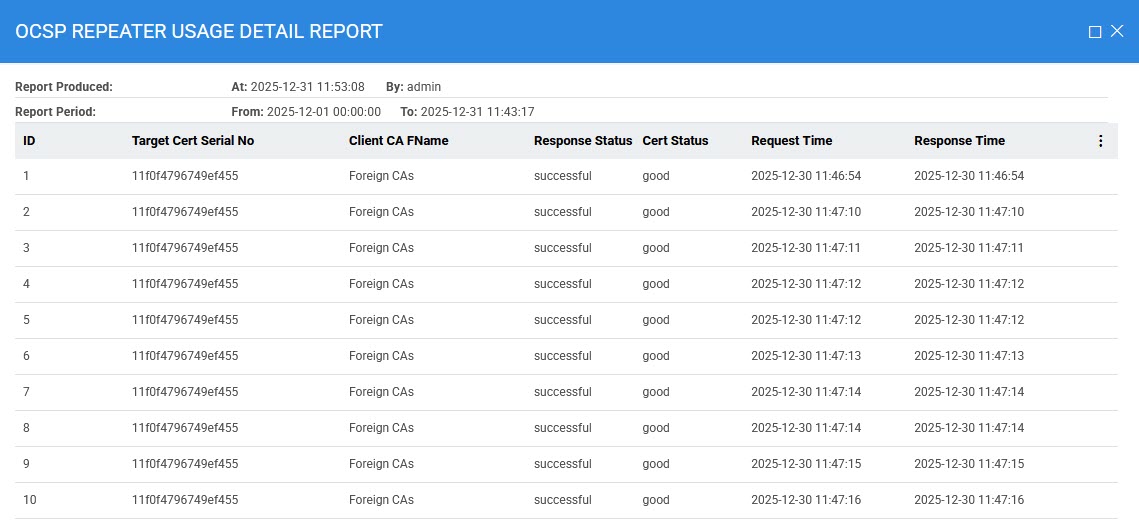
Clicking on the View link under the Detail Report column displays the following screen:
Selecting 'Clients that made ocsp requests' in the Usage Preference drop-down and clicking on the Show Report button displays the following screen:
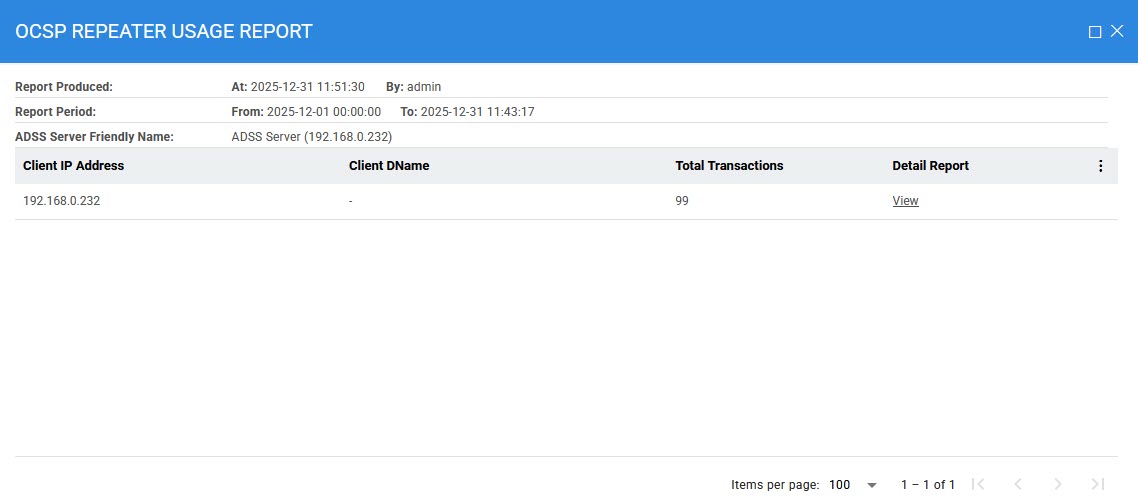
Please note that clients are identified by the certificate Distinguished Name (DName) when requests are signed. For unsigned requests, client identification is performed using the client’s IP address.
Clicking on the View link under the Detail Report column displays the following screen:
See also