
Importing Keys
To import a new key, click on the vertical ellipsis (⋮) at the right corner of the screen, and select the 'Import Key' option. A form is presented as mentioned below:
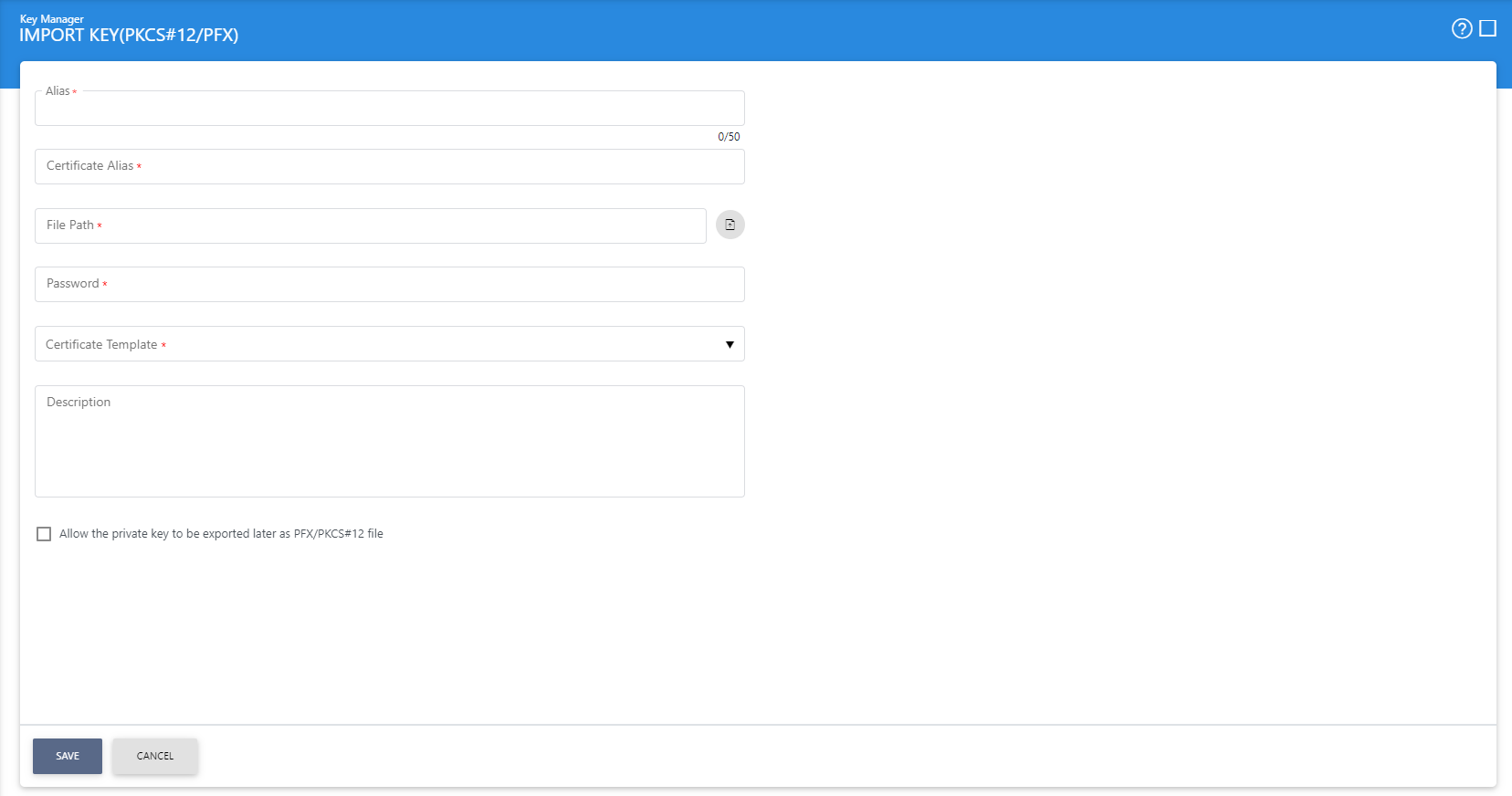
This is virtually the same form as when generating a new key pair, apart from the following differences:
- There is a browse option to find the PKCS#12/PFX file to be imported.
- A certificate alias needs to be assigned (since the PKCS#12/PFX will also contain a certificate as well as the key pair). The certificate alias must be unique within the Key Manager module.
See also