
Importing CV Certificates
There can be cases where clients might want to migrate their existing CVCAs or DVCAs to ADSS therefore ADSS provides a way to import the keys and certificates of these CAs so that they can be configured in ADSS Server to issue certificates. For this, the hardware HSM device that contains the CVCA/DVCA key-pairs is configured as crypto profile in ADSS. Once a crypto profile is configured, the CVCA or DVCA key’s information can be imported into ADSS Server.
The operator will navigate to the following screen and select the relevant Crypto Profile:
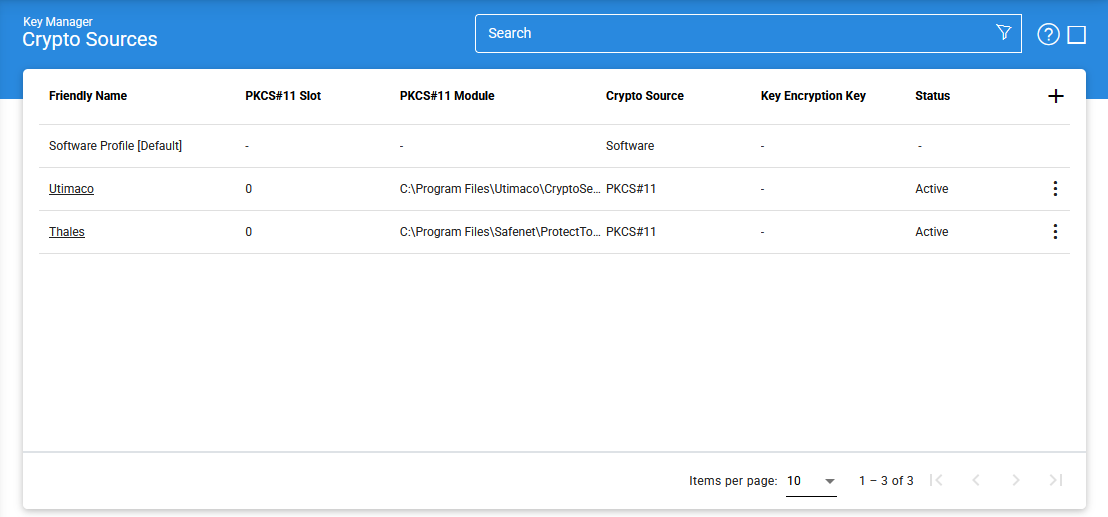
Click the vertical ellipsis (⋮) at the end of the row and select 'Import Existing Keys' to import keys from the HSM. This action will open the following screen:
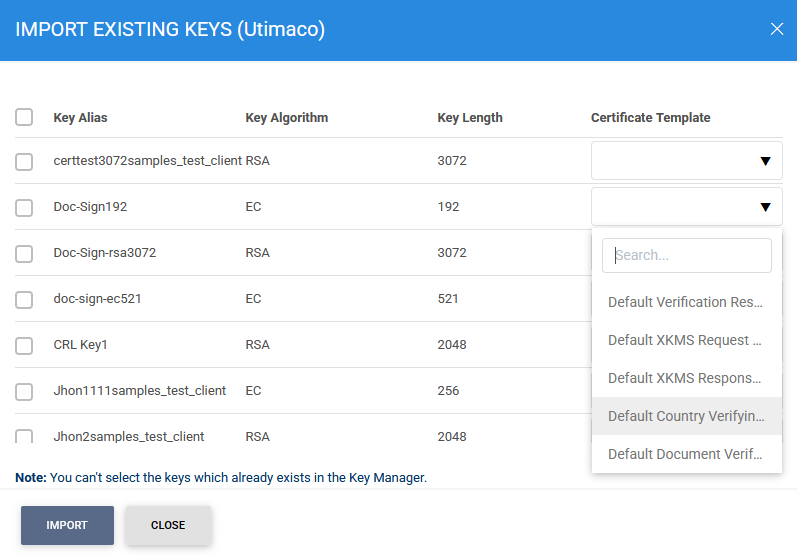
The operator will select the required CVCA or DVCA key and select a relevant certificate template (CVCA/DVCA) from the list of certificate templates (created in 'CV Certificates Template' submodule). Unlike X.509 certificates, CV certificates would not be stored inside HSM hence only key information will be imported. The relevant certificate would be imported later using another module by uploading the certificate file.
Once a key’s information is imported, the key will be visible in service keys as shown below:
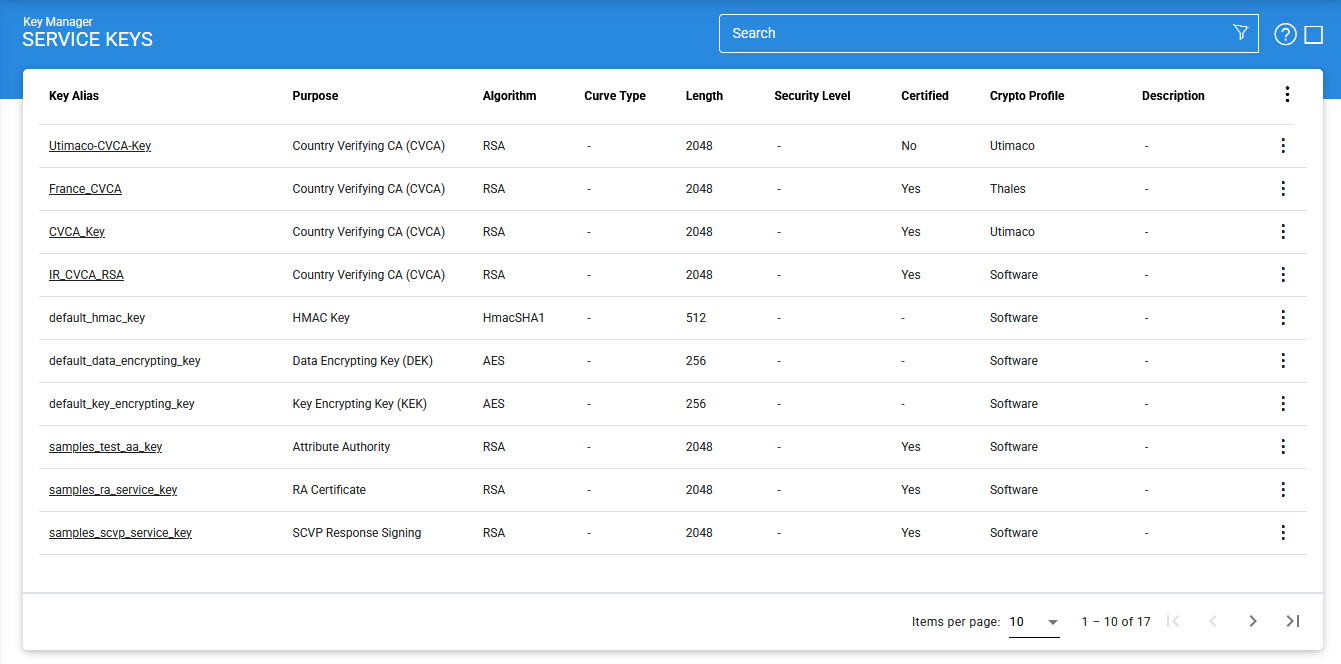
Now to import the certificate against the imported key, click the vertical ellipsis (⋮) at the end of the row and select 'Certificates' button, the following screen will be displayed:
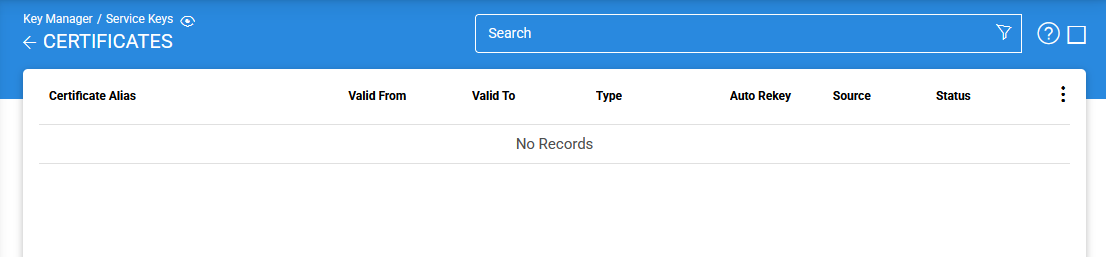
Click the vertical ellipsis (⋮) at the end of the row and select 'Import Certificate' button, the following screen will be displayed:
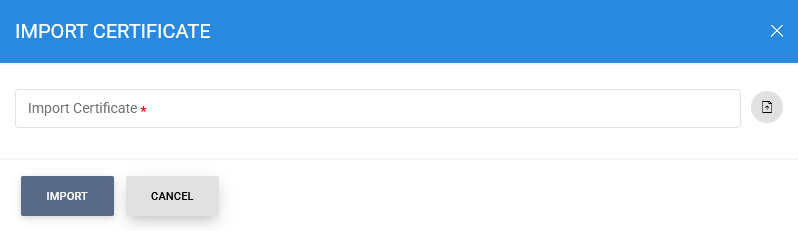
Import Certificate fields represents the certificate against the relevant key, whereas Issuer Certificate drop-down will list the issuers trusted inside the Trust Manager.
See also
Create CV Certificates
Importing CV Certificates