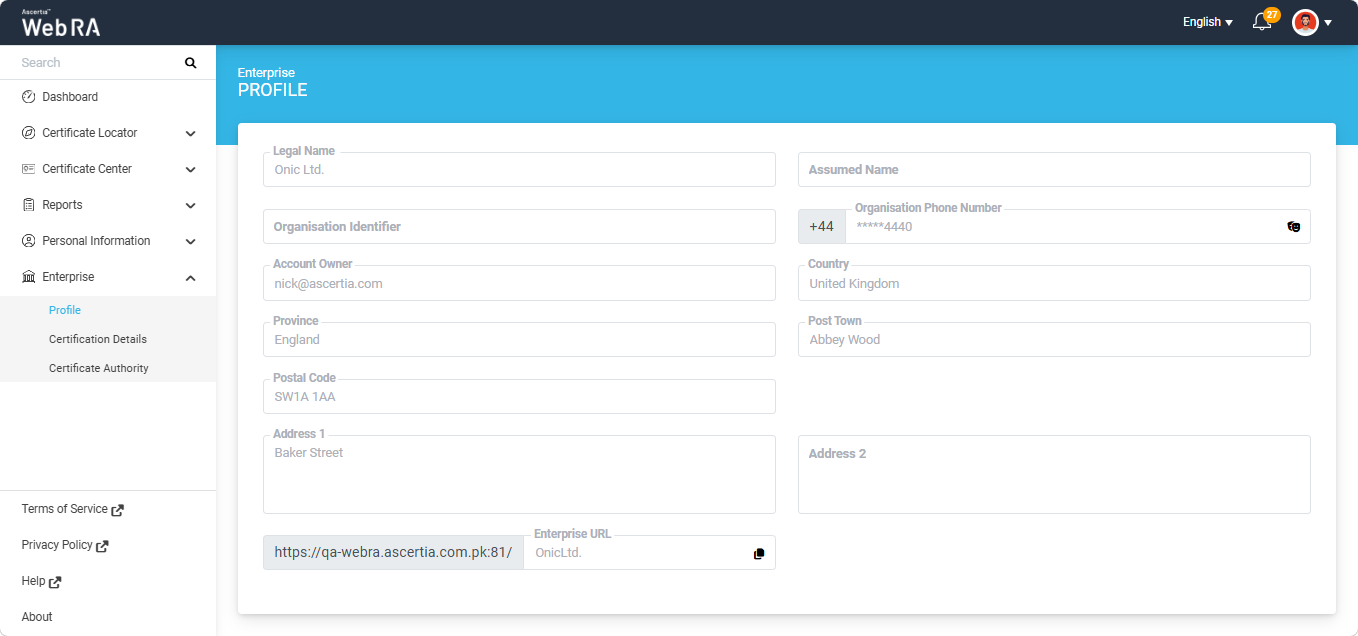
Profile
This section in the ADSS Web RA web portal describes the enterprise details that a user is registered to.
This is a role-based feature, which means if an administrator adds it to a user's role, this section will appear in the ADSS Web RA web portal.
The details in the profile will appear according to the key store allowed in the service plan.
Expand Enterprise > Profile from the left menu.
The details on this screen are filled in for you and cannot be changed. They show the enterprise you belong to: its legal name, assumed name, organisation identifier, phone number with country code, account owner, and full address including Country, State, City and Postal Code. See the screenshot below: