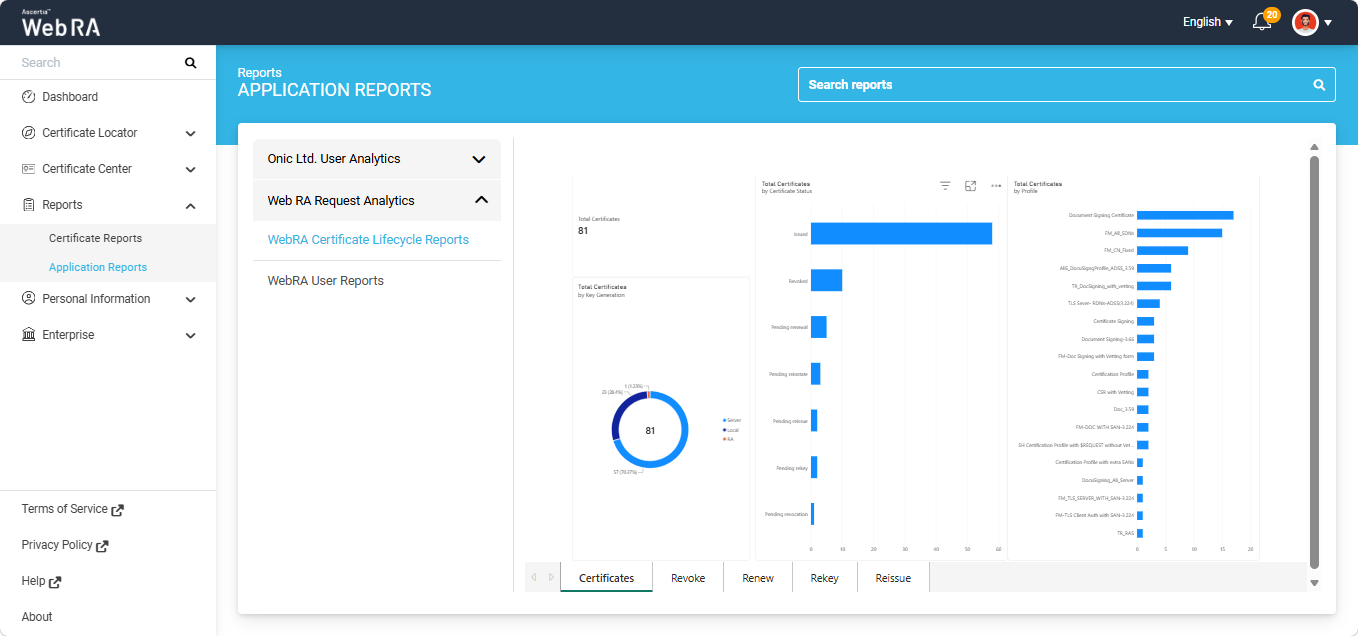
Application Reports
Application Reports
The Application Reports section in the Web Portal displays the Power BI workspaces and their associated reports configured for the Enterprise. Only those Power BI workspaces are visible to the user that have been configured under the Integrations > Power BI section for that Enterprise.
|
|
Note: For the Application Reports section to appear in the Web Portal, the following requirements must be met:
|

Expand Reports > Application Reports module from the left-tree menu in the Web Portal.
To access the reports in a workspace, click the workspace name dropdown. The system expands the workspace to display all its associated reports.
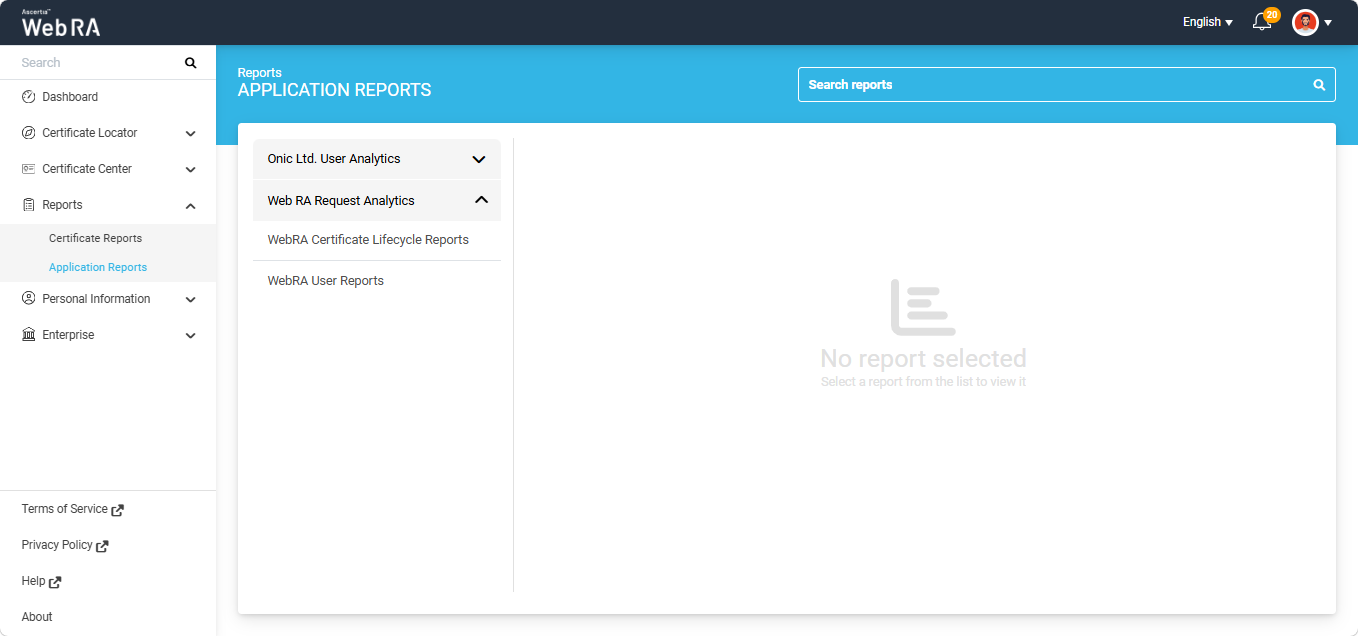
Select the report you want to view. The Power BI report will then be displayed on the right-hand side of the window.