Create a Firebase Connector


The Firebase connector allows SigningHub to send push notifications to SigningHub native mobile apps. For this, SigningHub needs to be registered with the Firebase platform.
Create a Firebase connector
 from the grid header.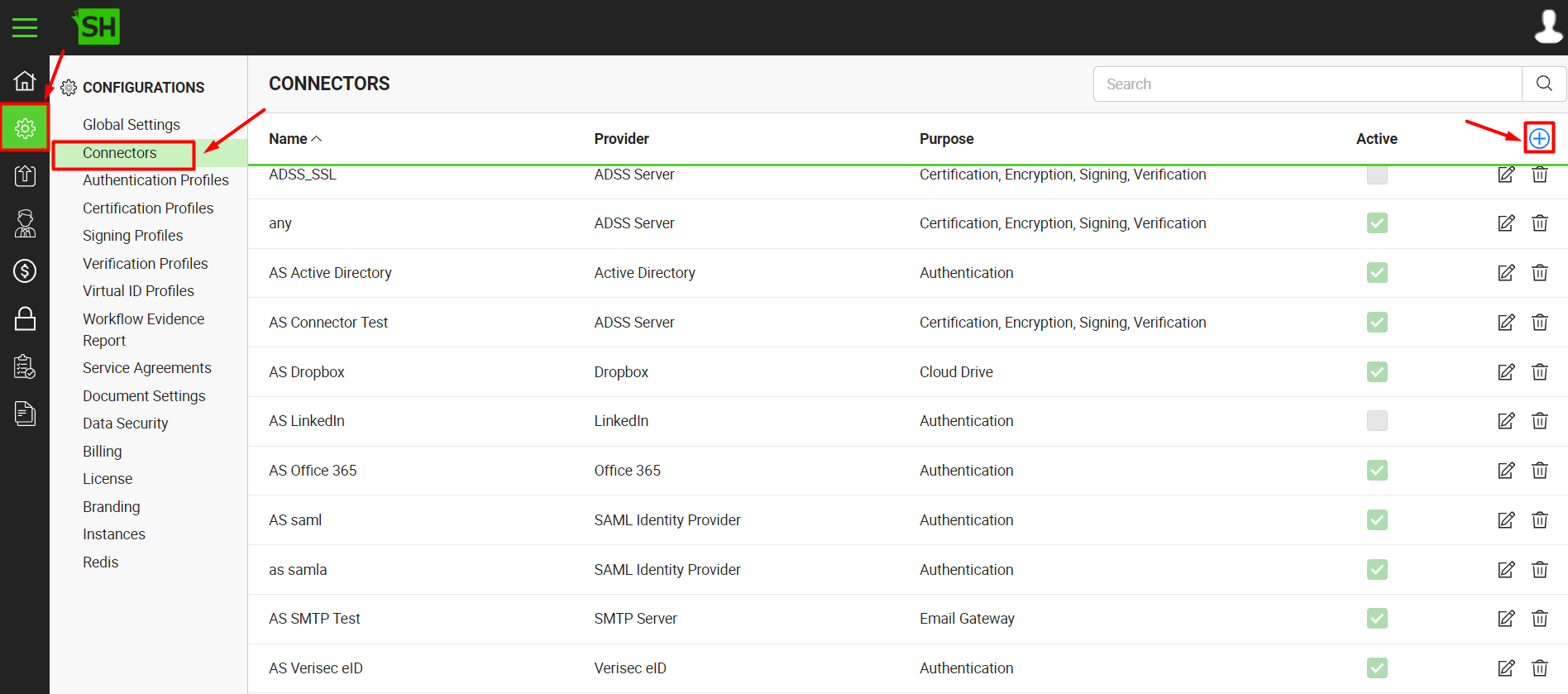
|
Firebase Connector |
|
|
Fields |
Description |
|
Name |
Specify a unique name for this connector, i.e. My Firebase. This connector will be used in the configuration of Global Settings. |
|
Provider |
Select the provider for this connector, i.e. "Firebase". |
|
Purpose |
This field will display the purpose of the selected provider above, i.e. the purpose of "Firebase" is "Push Notifications". |
|
Logo |
Select an appropriate image in the jpeg, jpg, gif or png format for the connector's logo that will be displayed on the login screen. |
|
Sender ID |
Specify the registered sender ID that has been provided by Firebase during account configuration, e.g. |
|
Server Key |
Specify the server key that has been provided by Firebase during account configuration, e.g. |
|
Active |
Tick this check box to make this connector active. Inactive connectors cannot be configured in the Global Settings. |